
Why Every Small Business Needs a Professional Website in 2026
Introduction: Your Business Needs More Than Social Media
In 2026, website development and digital marketing for small businesses are essential for building online visibility, attracting potential customers, and staying competitive in an increasingly digital marketplace. Whether you run a local service company, an online store, a consultancy, or a startup, your digital presence plays an important role in how customers discover your business, evaluate your services, and choose you over competitors.
While social media platforms offer valuable opportunities to connect with audiences, relying on them alone means depending on platforms whose rules, reach, and features can change at any time. Having a website of your own gives your business greater control over its online presence. A professional website for small business provides a dedicated digital platform where you can showcase your services, share valuable information, answer customer questions, build credibility, and generate enquiries. Unlike social media profiles, your website serves as a central online destination that you own and can develop to support your business goals, customer experience, and long-term growth.
The good news is that building a business website does not necessarily require a large budget or advanced technical skills. With the right planning, design, and ongoing optimization, your website can become a practical business asset. This guide explains the main benefits of a professional website, the essential features to include, how to choose a suitable platform, and how to turn website visitors into customers.
Why Does Every Small Business Need a Professional Website?
Every small business needs a professional website to establish credibility, communicate its value, help potential customers discover its services, and generate enquiries or sales. Unlike a social media profile, a website gives you greater control over your content, branding, navigation, and conversion process. It can also support search engine optimization (SEO), online advertising, customer service, and business growth. While a website cannot guarantee higher rankings or sales, a well-designed, secure, mobile-friendly website gives customers a reliable place to learn about your business and take the next step.
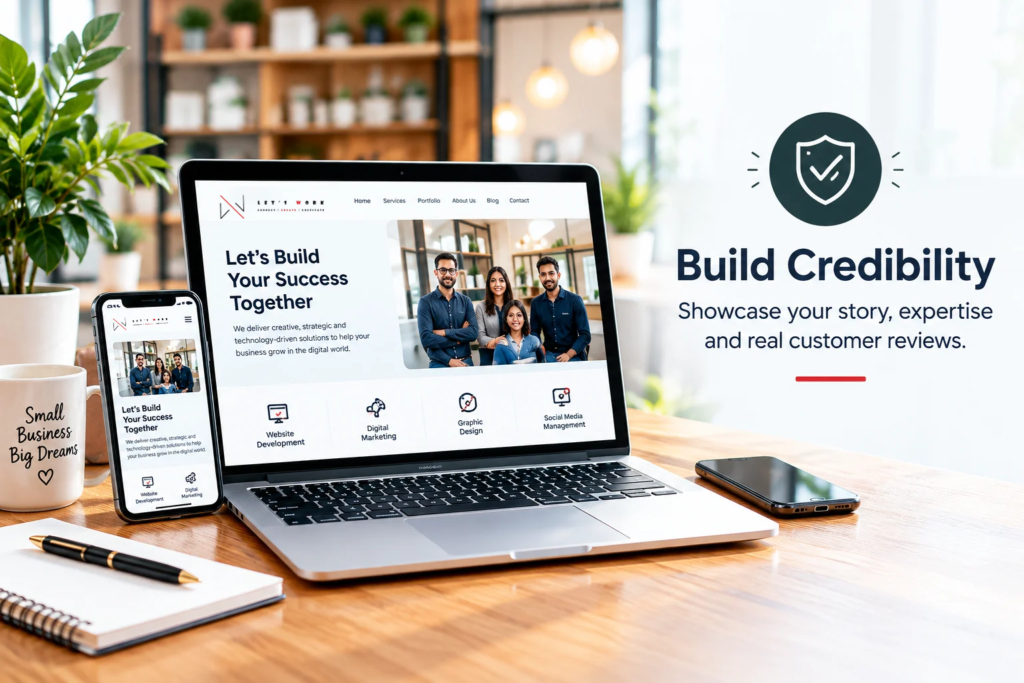
1. Build Credibility and Make a Strong First Impression
Imagine a potential customer discovers your business through a Facebook post or Google search. They want to check your services, experience, pricing, and contact information before making a decision. If they cannot find reliable information, they may hesitate to contact you. A professional website helps address this uncertainty by presenting your business clearly and consistently.
What makes a business website trustworthy?
Include these essential elements:
- Clear business information: Explain who you are, what you offer, and whom you serve.
- Professional design: Use consistent colours, readable fonts, high-quality visuals, and simple navigation.
- Real testimonials: Publish genuine customer feedback with permission.
- Portfolio or case studies: Demonstrate your work through authentic examples.
- Accessible contact details: Provide an email address, telephone number, contact form, or relevant messaging option.
- Secure browsing: Use HTTPS and keep your website software updated.
For example, a graphic designer can display completed projects, describe the services offered, and provide a straightforward enquiry form. This gives prospective clients more information than a social media profile alone. Your website should reflect the actual quality of your business. Avoid exaggerated claims, fabricated testimonials, and results you cannot substantiate.
2. Improve Online Visibility Through SEO
A website creates opportunities for your business to appear when people search for relevant products, services, or solutions. For example, a bakery might target searches related to custom birthday cakes in its service area, while a marketing agency could create useful content about social media management for startups. However, simply launching a website does not automatically bring visitors. Search visibility requires relevant content, accessible pages, a technically sound website, and a clear understanding of your target audience.
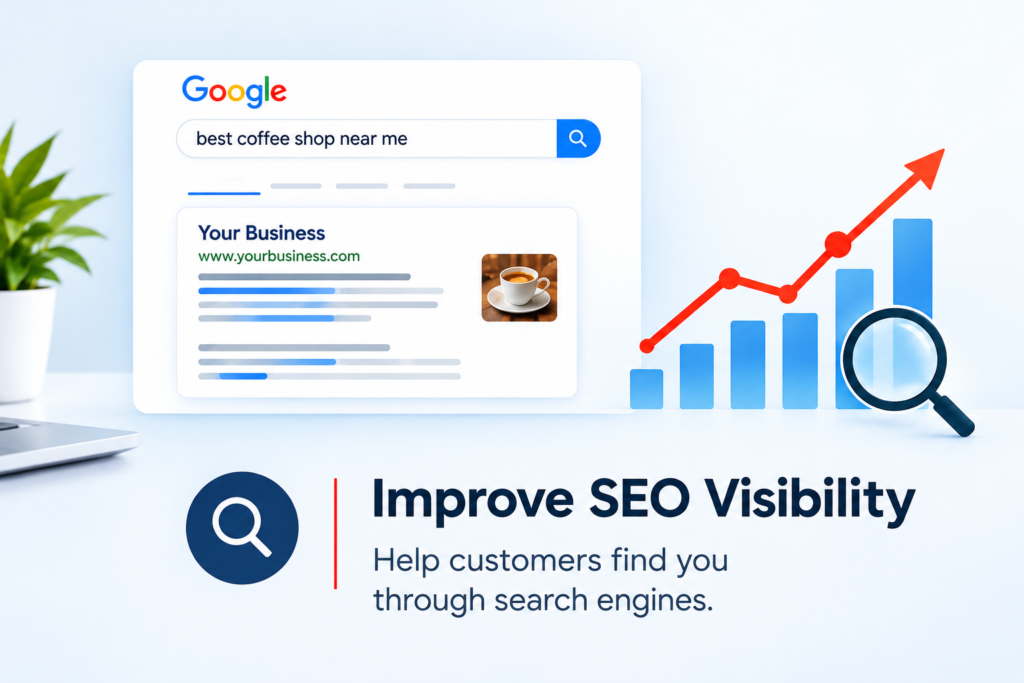
Practical SEO steps for small businesses
- Research relevant keywords. Use tools such as Google Keyword Planner, Google Search Console, and Semrush to identify useful search terms and understand search performance.
- Create focused service pages. Give each important service its own page explaining the offering, benefits, process, and next step.
- Publish helpful articles. Answer customer questions through practical guides, comparisons, tutorials, and frequently asked questions.
- Optimize page elements. Write descriptive titles, useful meta descriptions, logical headings, and meaningful image alt text.
- Strengthen local visibility. If you serve a specific area, maintain an accurate Google Business Profile where eligible and keep your business details consistent across relevant platforms.
- Monitor performance. Use Google Search Console to review search impressions, clicks, and queries, and Google Analytics 4 to understand website engagement and conversions.
Google recommends useful, reliable, people-first content and clear website organization. SEO can improve discoverability, but no agency or website platform can guarantee a particular Google ranking.
3. Turn Website Visitors Into Leads and Sales
Attracting visitors is only part of the job. Your website should make it easy for interested people to take action. This is where conversion-focused website design becomes important.
Design every page around a clear objective
Before building a page, ask yourself:
What should a visitor do next? Depending on your business, the desired action might be:
- Request a quote.
- Book an appointment.
- Purchase a product.
- Schedule a consultation.
- Subscribe to a newsletter.
- Contact your sales team.
Use descriptive calls to action (CTAs), such as “Request a Free Quote” or “Book Your Consultation,” instead of vague labels that provide little context. Keep forms simple. Ask only for the information you genuinely need, such as a name, email address, and brief description of the customer’s requirements.
Example: A service-based business
Consider a hypothetical home renovation company. A visitor arrives on its website looking for kitchen renovation services. A well-structured service page could include project photographs, a description of the process, service-area information, genuine customer reviews, and a prominent quotation request form. This structure helps visitors assess the business and contact it without searching through multiple social media posts. To improve results, track meaningful actions such as submitted forms, completed bookings, and purchases. Test different headlines, CTA wording, and page layouts using actual performance data rather than assumptions.
4. Reach Customers Around the Clock
A physical shop or office may operate during specific hours, but your website can remain accessible to customers at any time. Visitors can review your services, browse products, read answers to common questions, or submit an enquiry outside normal business hours. For businesses selling online, an e-commerce website can also support transactions whenever the store is available to accept orders.
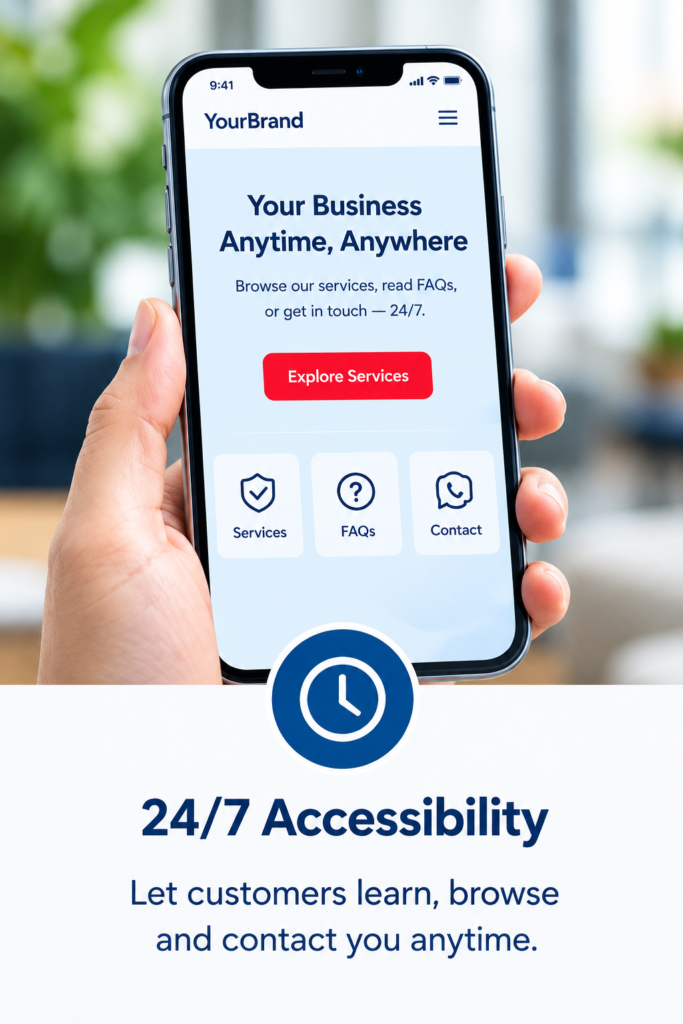
You can make your website more useful by including:
- Frequently asked questions.
- Service descriptions and pricing guidance where appropriate.
- Product details and availability.
- Booking or appointment tools.
- Delivery, returns, and payment information for online stores.
- Automated confirmation messages for enquiries or bookings.
Remember that website availability is not the same as continuous customer support. Clearly explain response times, business hours, and any limitations on automated services.
5. Strengthen Your Brand and Own Your Digital Presence
Social media platforms are valuable for building communities, sharing updates, and distributing content. However, their features, algorithms, policies, and reach can change. Your website provides a central destination that you control more directly.
You can develop your brand identity, publish detailed service information, organize resources, and guide visitors through a consistent customer journey. For example, a startup can use its website to explain its mission, introduce its team, showcase its product, publish educational articles, and direct potential partners to relevant information. Your website can also connect your marketing channels. Social media posts can link to service pages, advertisements can direct visitors to campaign landing pages, and email newsletters can bring readers back to relevant articles. This creates a more connected marketing system instead of treating each platform as a separate activity.
6. Understand Customer Behaviour With Website Analytics
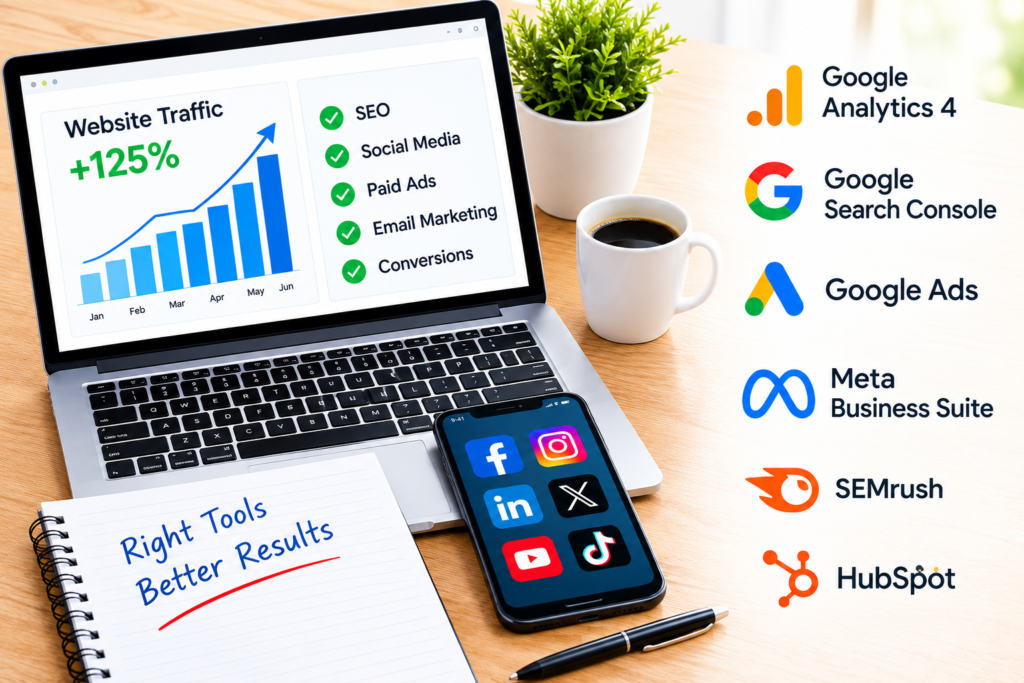
A professional website can help you understand how people interact with your business online. Analytics tools provide insights into visitor behaviour, traffic sources, popular pages, and selected conversion events. These insights help you identify what is working and where improvements may be needed.
Useful tools for website optimization
Tool | How it helps |
Google Analytics 4 | Measures website traffic, engagement, and configured conversions. |
Google Search Console | Monitors search performance, indexing, and certain technical issues. |
PageSpeed Insights | Evaluates page performance and provides improvement suggestions. |
Microsoft Clarity | Helps visualize user interactions through supported heatmaps and session recordings. |
Google Tag Manager | Helps manage supported analytics and marketing tags. |
Use these tools to investigate practical questions. Are visitors reaching your service pages but leaving without contacting you? Are mobile users struggling with a form? Which articles attract visitors who later enquire? Analytics should inform decisions, not simply produce reports. Set clear goals, review results regularly, and make changes based on evidence. Also, configure tracking responsibly and follow applicable privacy and consent requirements.
7. Choose the Right Website Platform for Your Budget
Small business website development should begin with your business needs, not a long list of features. Different platforms suit different requirements.
Platform |
Best suited for |
Considerations |
|
Service businesses, blogs, and customizable websites |
Flexible, but requires maintenance and careful plugin management. |
|
|
Businesses focused on e-commerce |
Designed for online selling, with platform and transaction-related costs to review. |
|
|
Small businesses seeking a visual website builder |
Convenient editing, with flexibility depending on the selected plan. |
|
|
Custom development |
Specialized functionality or complex business requirements |
Can offer greater control but may require more time, expertise, and budget. |
There is no universally best platform. Compare the total cost of ownership, including hosting, domain registration, maintenance, integrations, security, and future changes.
For many small businesses, a focused website with essential pages is a sensible starting point. You can add more advanced functionality as customer demand and business needs develop.
8. Make Mobile Experience, Speed, and Security a Priority
A visually attractive website can still lose potential customers if it loads slowly, displays poorly on mobile devices, or makes important information difficult to find. Google uses the mobile version of a website’s content for indexing and ranking through mobile-first indexing. Google also recommends considering overall page experience, including Core Web Vitals, security, and mobile usability.
To improve your website:
- Use a responsive layout that adapts to different screen sizes.
- Compress images and avoid unnecessarily large media files.
- Remove plugins, scripts, and effects that do not add meaningful value.
- Use HTTPS and maintain your content management system and extensions.
- Back up website files and databases regularly.
- Test navigation, contact forms, checkout processes, and buttons on mobile and desktop.
- Review performance using PageSpeed Insights and address the most important issues first.
These improvements support usability and reliability. They do not guarantee top search rankings, but they help create a better experience for prospective customers.
Frequently Asked Questions
1. Is a website better than a social media page for a small business?
They serve different purposes and work best together. Social media helps distribute content and engage audiences, while a website provides a central location for detailed information, search visibility, lead generation, and transactions. A local salon, for example, can use Instagram to showcase hairstyles and its website to explain services, provide booking information, and answer customer questions.
2. How much does a professional small business website cost?
The cost depends on the platform, number of pages, design complexity, integrations, content requirements, and ongoing maintenance. A simple website generally requires less investment than a custom e-commerce platform. Request an itemized quote covering design, development, hosting, domain registration, maintenance, and any recurring software fees before committing.
3. Can a small business website improve Google rankings?
A website gives search engines pages to discover and potentially show in relevant results. Performance depends on factors such as content relevance, technical accessibility, competition, and the overall usefulness of the site. Follow Google’s SEO guidance and measure progress using Google Search Console rather than relying on ranking guarantees.
4. Which pages should a small business website include?
Most service businesses should consider a Home page, About page, Services page, Contact page, and relevant privacy information. A portfolio, testimonials, blog, booking page, or FAQ section may also be useful. Online stores typically need product pages, checkout functionality, and clear shipping and returns information.
5. How long does small business website development take?
A straightforward website may take a few weeks, while larger or more customized projects can take longer. The timeline depends on content readiness, design approvals, functionality, revisions, and testing. Agree on deliverables and milestones with your developer before work begins.
Conclusion: Build a Website That Works for Your Business
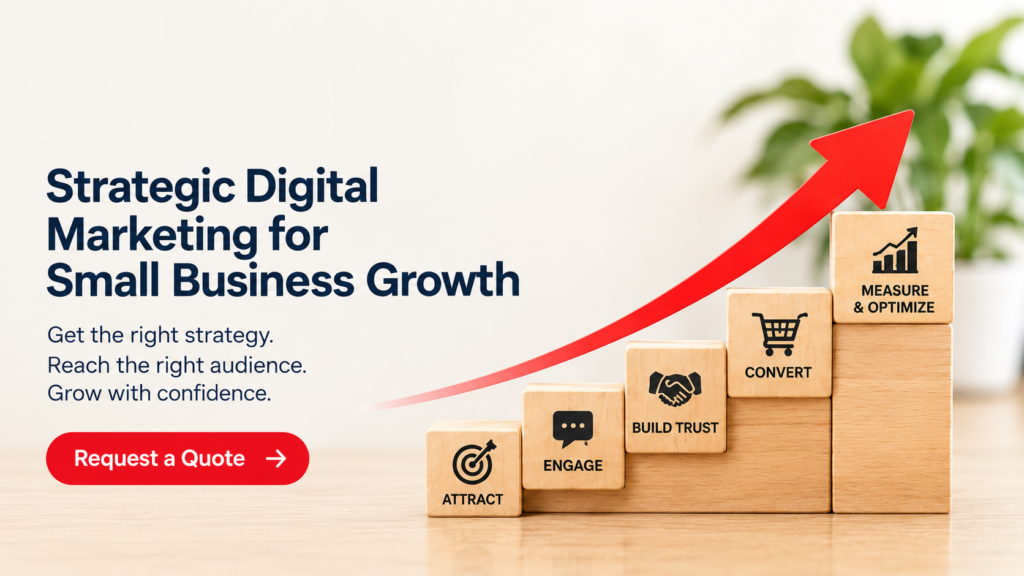
A professional website for small business is more than an online brochure. It can help you build credibility, improve discoverability, communicate your services, generate enquiries, and make better-informed marketing decisions.
The most effective website is not necessarily the largest or most expensive. It is the one that serves your customers clearly, works reliably across devices, and guides visitors towards meaningful actions. Start by identifying your target audience, defining your website’s primary goal, selecting an appropriate platform, and creating useful, well-organized content. Then improve your website over time using analytics, customer feedback, and ongoing SEO.
Ready to build a stronger online presence?
Let’s Work helps businesses with website development, digital marketing, SEO, content production, and related creative services. Whether you are launching a startup or improving an existing business website, we can help you plan a practical solution around your goals.
Visit www.letswork.id to explore our services, or get in touch to discuss your requirements and request a tailored quote.
Let’s Work. Let’s Grow. Let’s Succeed.
